

Take control of your payroll with our powerful software

Calculating employee time is one of the most important aspects of running a successful business. TimeXpress takes the hassle out of tracking hours — giving you complete control and visibility over your workforce. Whether you'e managing a small office or a large operation with multiple shifts, TimeXpress ensures that every minute is captured correctly and that every dollar is accounted for.

Built for simplicity and reliability, the software streamlines time collection, automates calculations, and generates detailed reports for seamless payroll processing. With TimeXpress, you can reduce errors, cut payroll costs by up to 20%, and eliminate manual timesheets — all while enjoying a one-time license and no monthly subscription fees!

Our software is compatible with Windows XP, Windows 7, Windows 8 & 8.1, Windows 10, Windows 11 & Windows Server.

NOT MAC Compatible
Features

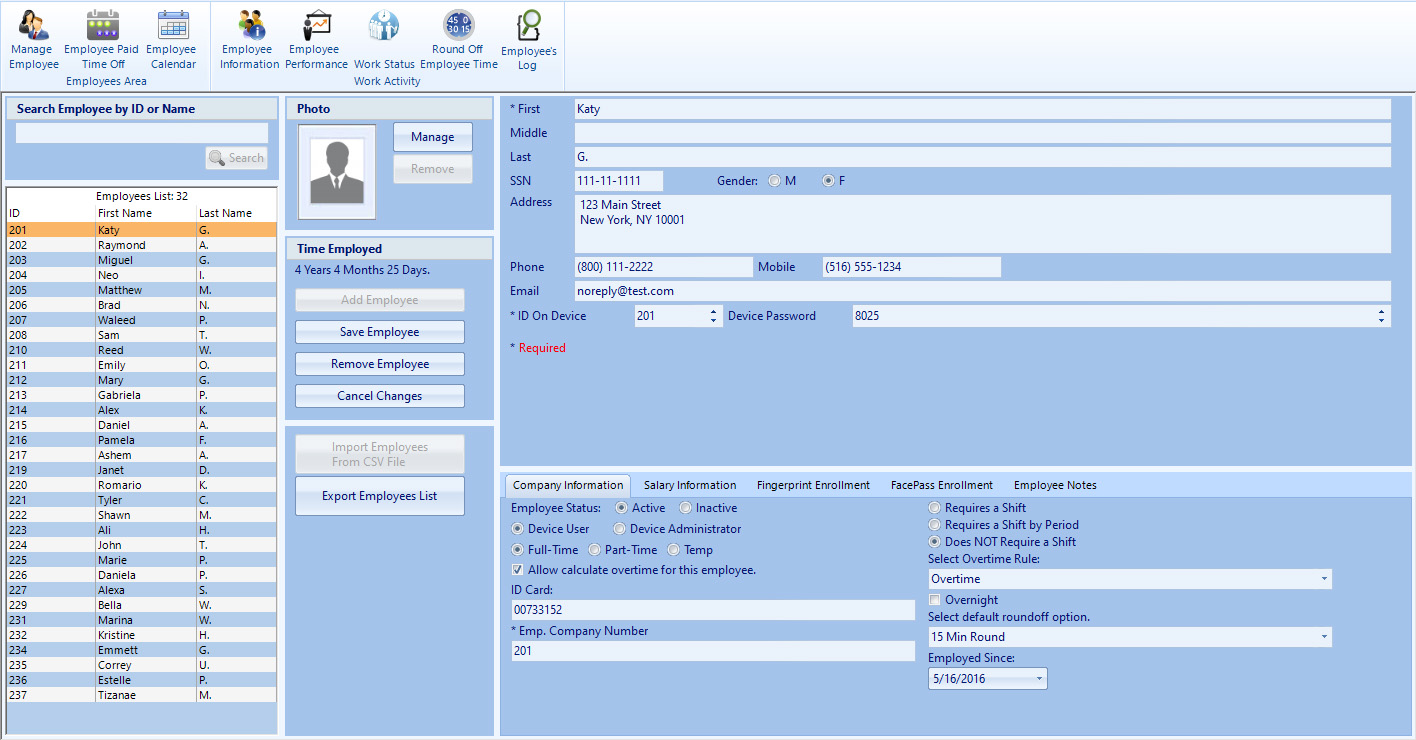
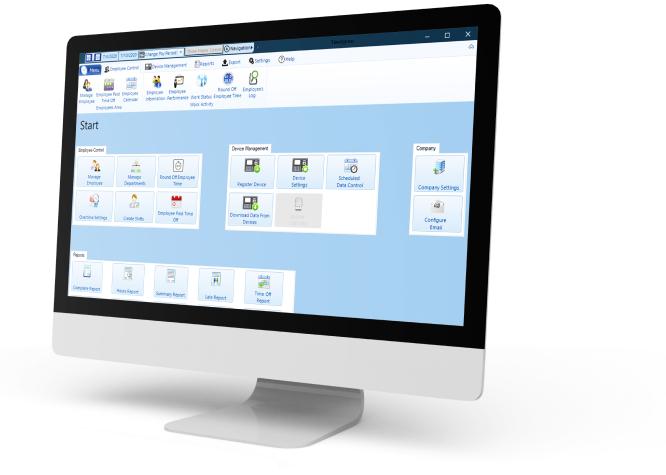
We created our Time & Attendance Software with clients in mind: an easy to use interface that is simple to navigate. We loaded it with great features so that you can manage your employees time from A to Z, all in one place, with minimal effort. Here are highlights of the main features we offer:

  • Records Modifications

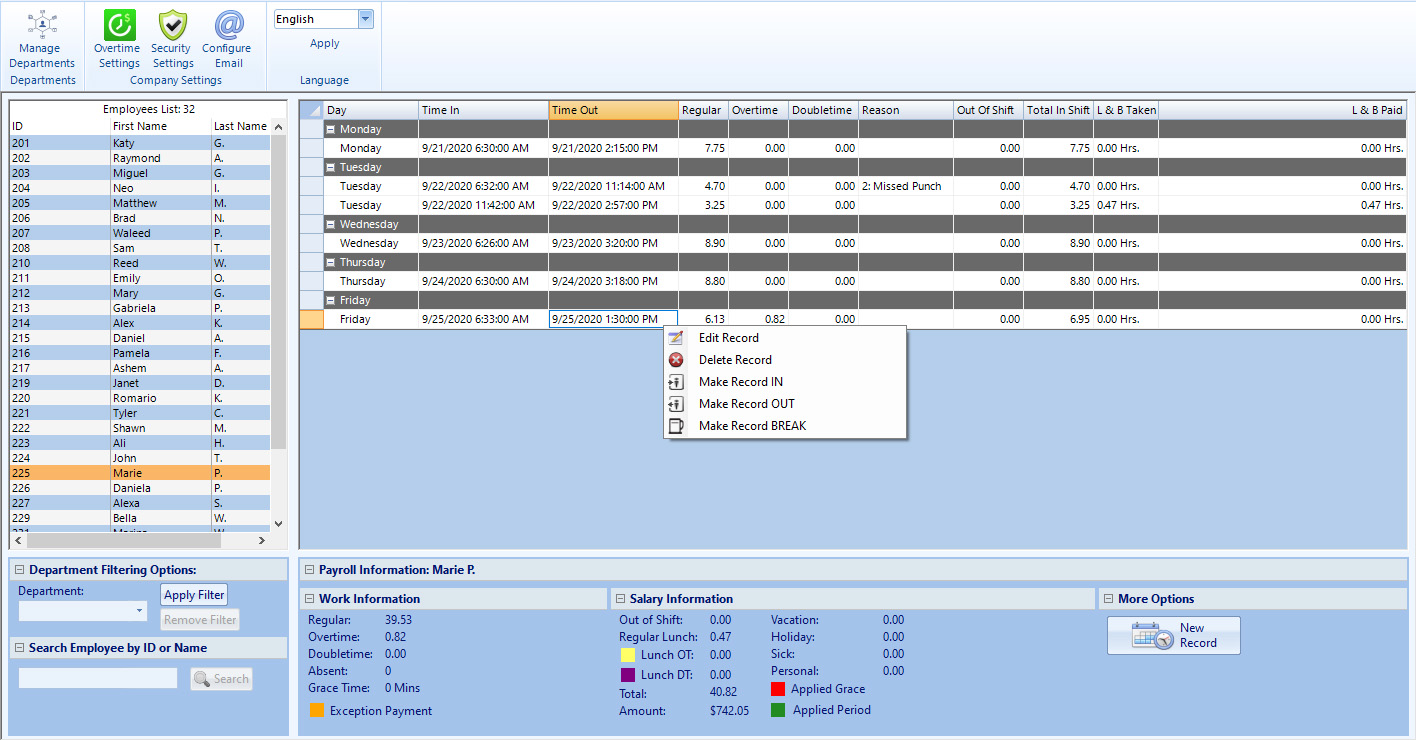
    Add a missed punch, edit an existing record or delete a duplicate punch, all with one simple click of your mouse.

  • Job Codes

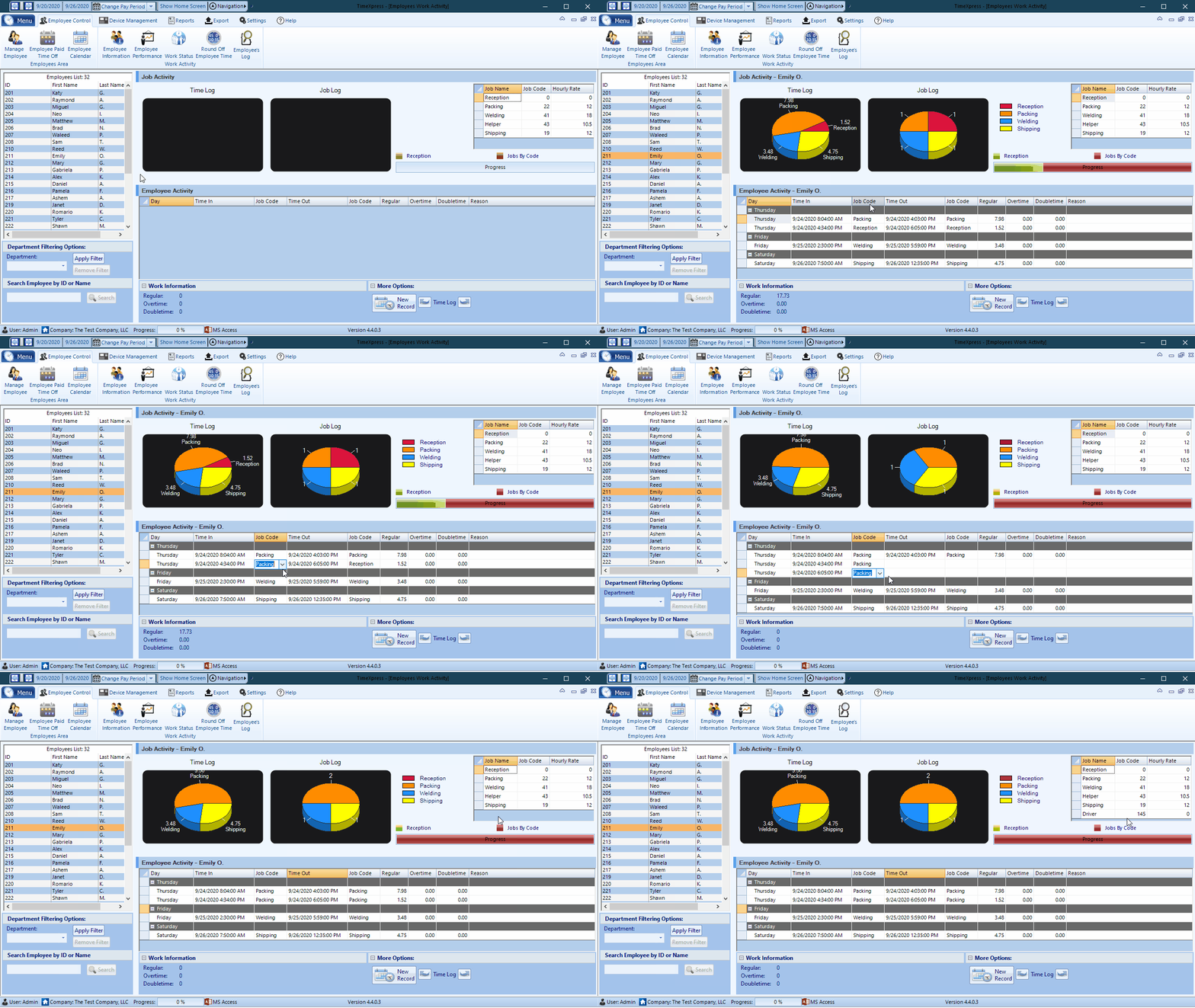
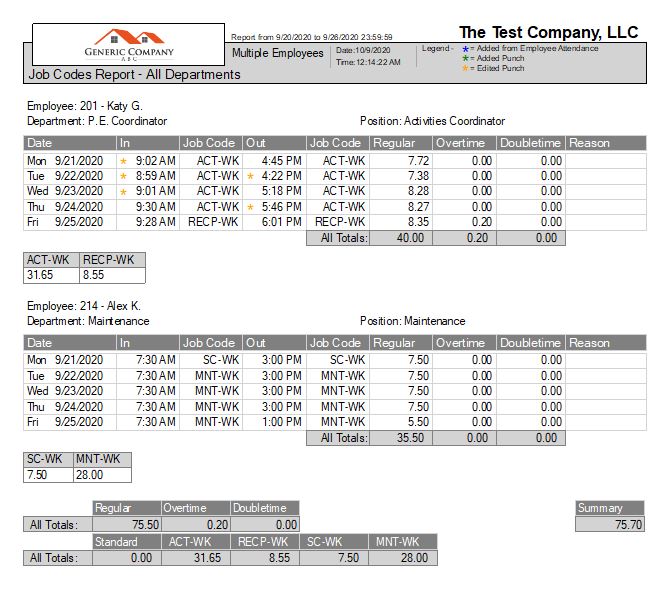
    Commonly used for job costing, or if different jobs pay different amounts, this feature allows you to keep track of time worked per employee on individual tasks, in addition to total hours worked cumulatively.

  • Employees Schedules

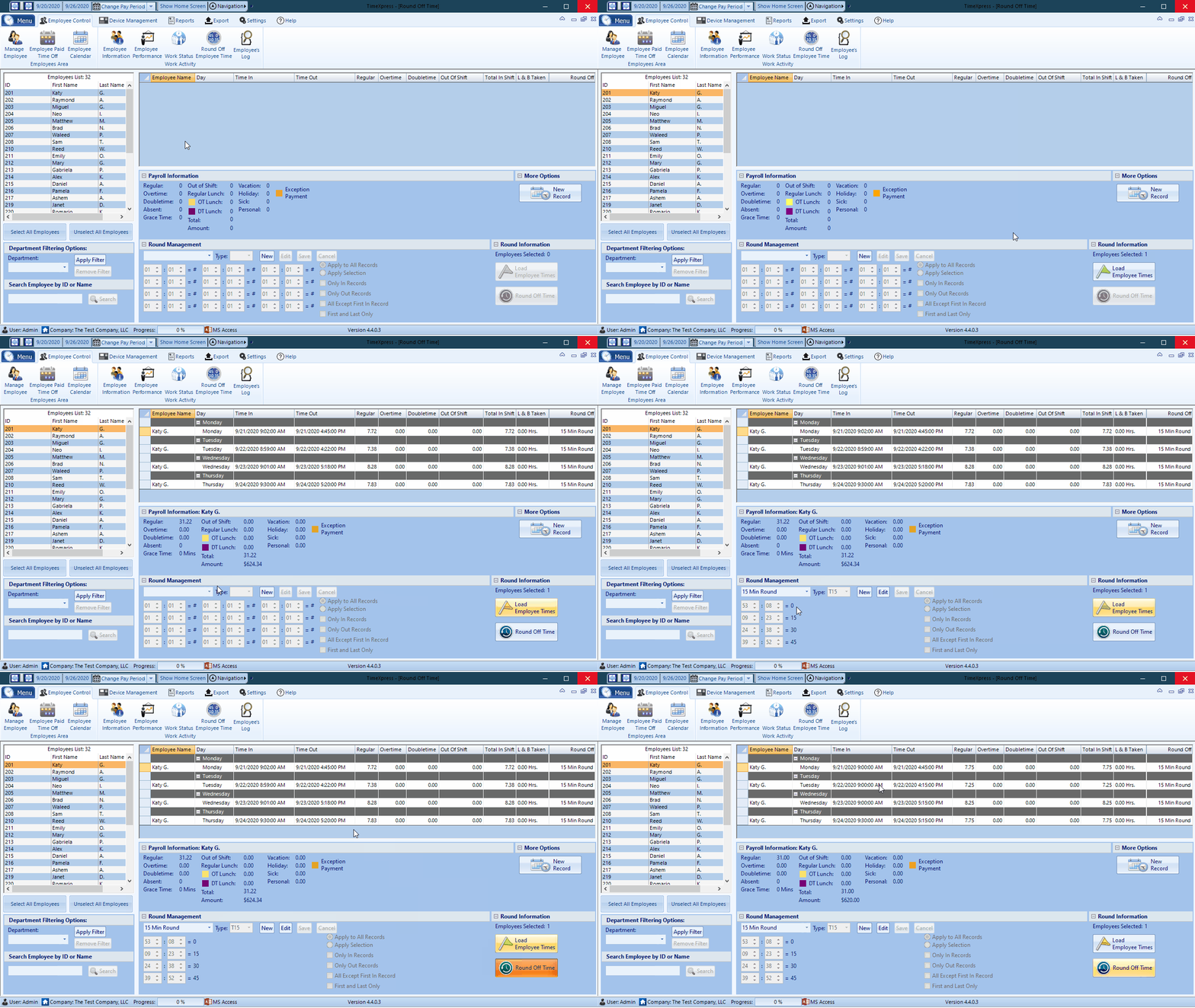
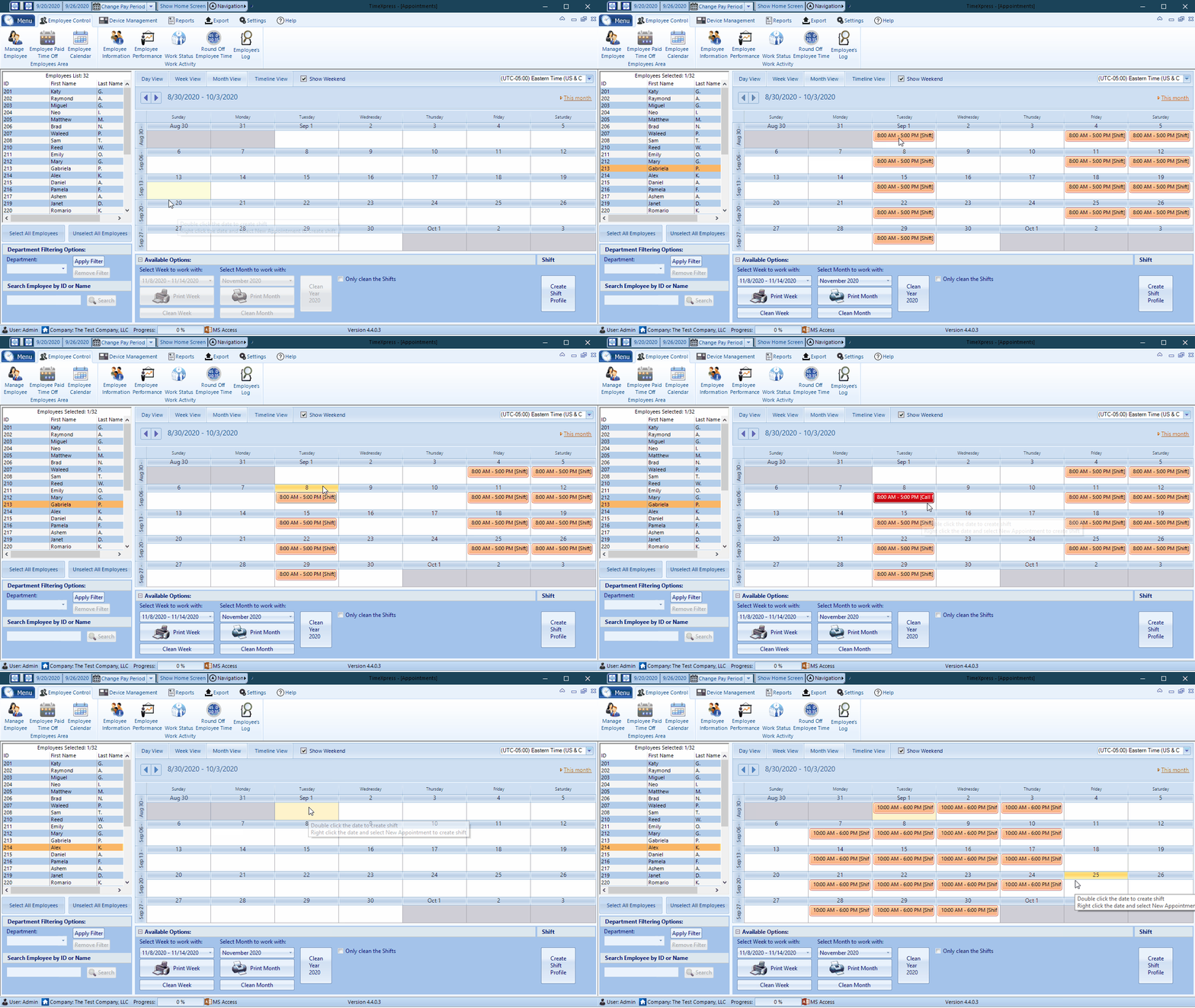
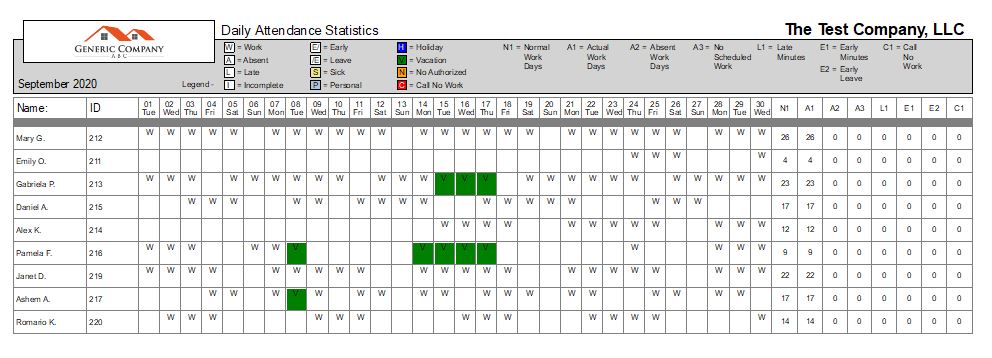
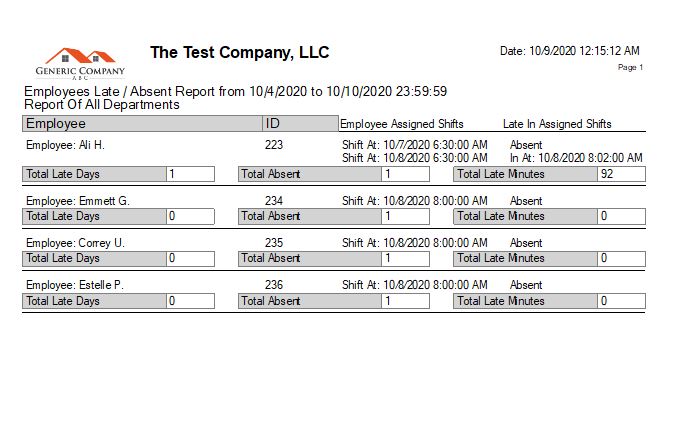
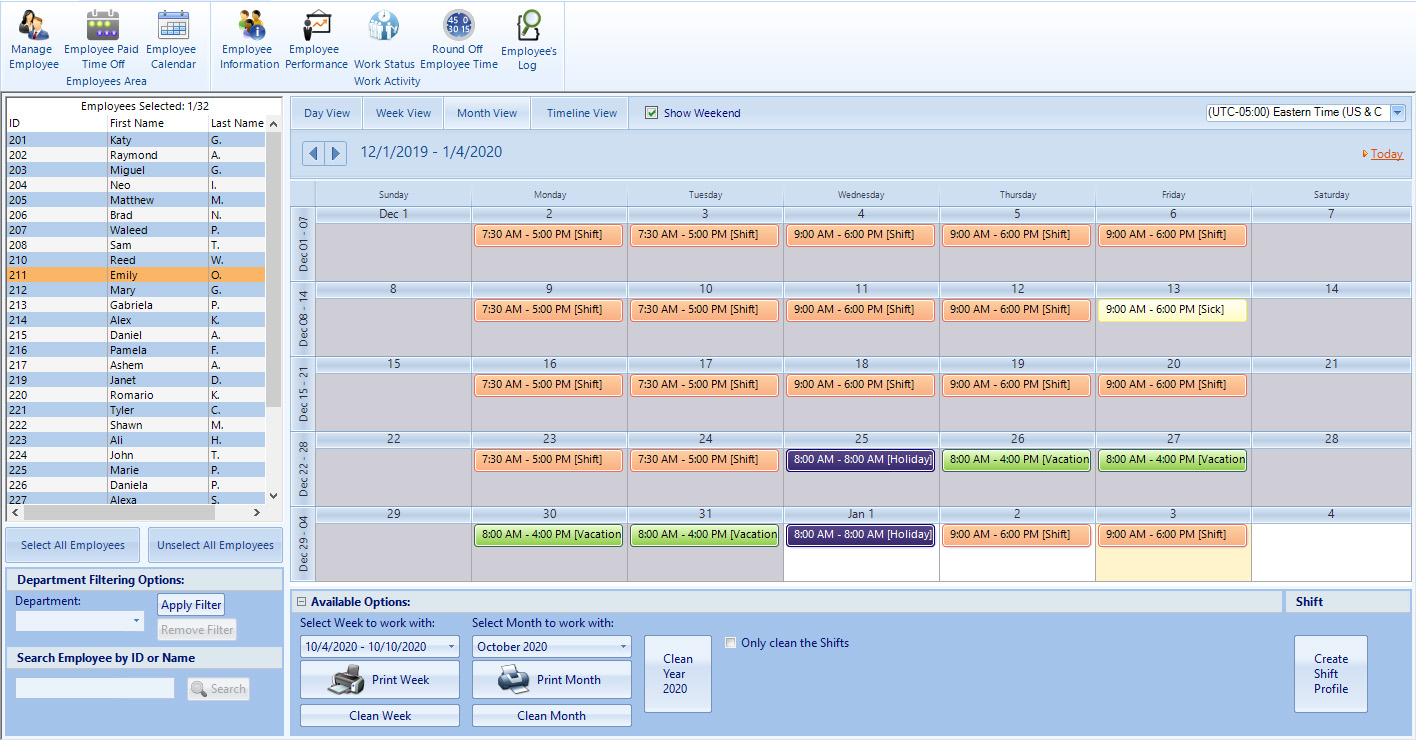
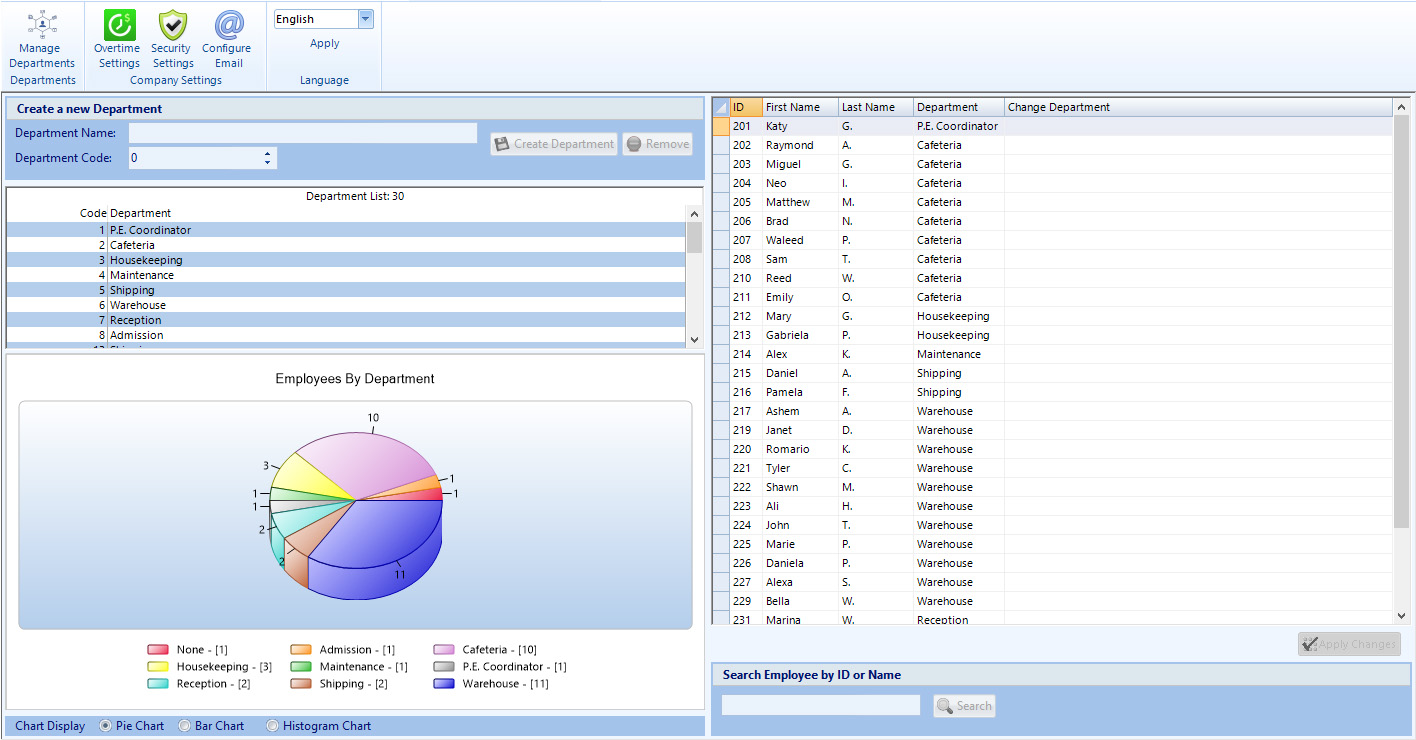
    Create and manage employee schedules, so that you can keep track of late or absent personnel. Save your most commonly used shifts and assign them to employees with one simple click.

  • Manage Time Off

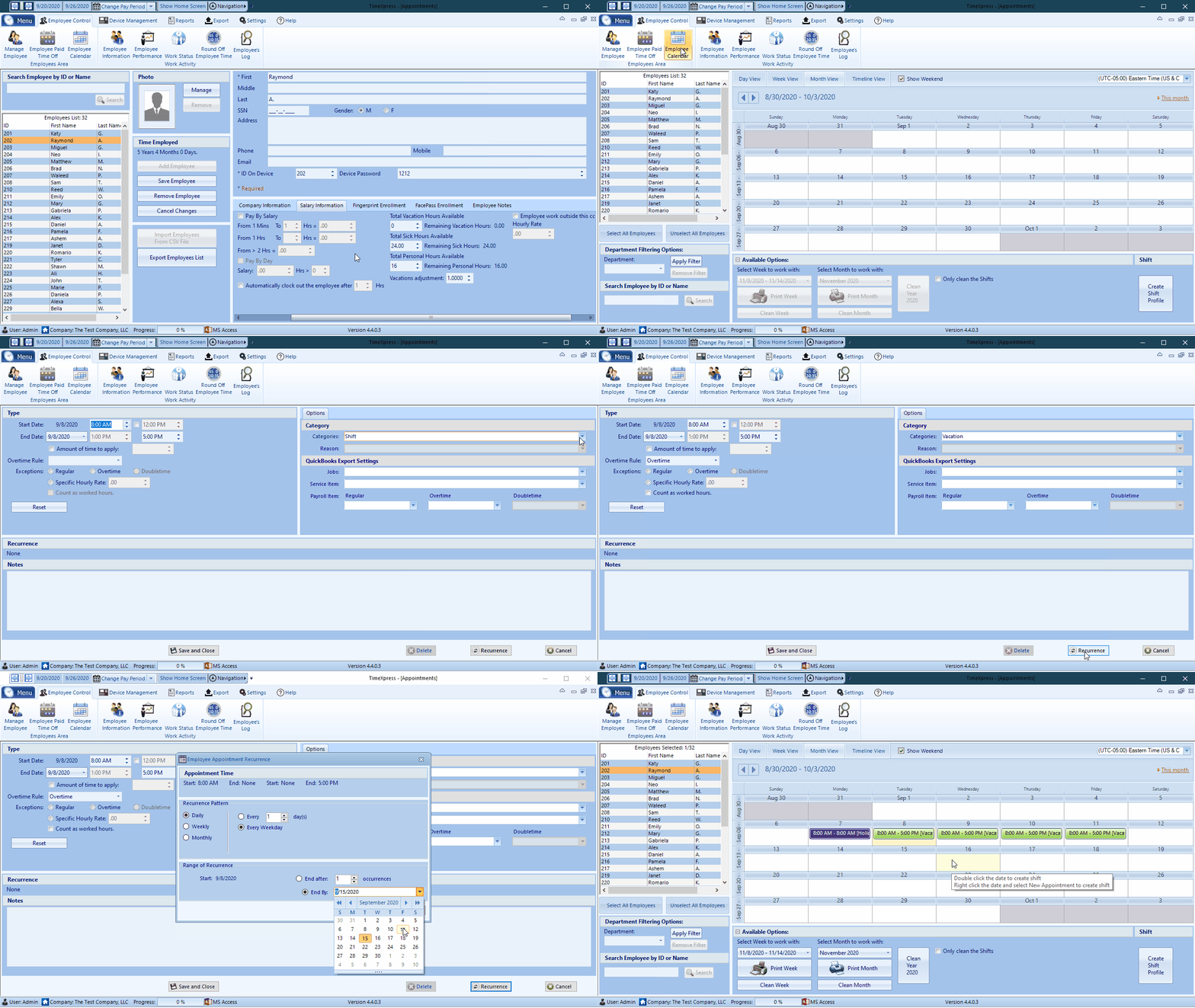
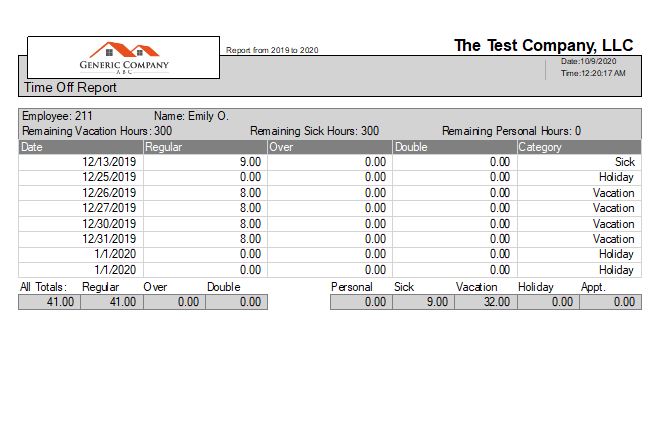
    Track employee Vacation, Sick, Personal and Holiday hours so that you know exactly how many were used and remain for the current year. You can also accrue vacation and sick hours, based on actual hours worked.

  • Track Overtime/Doubletime

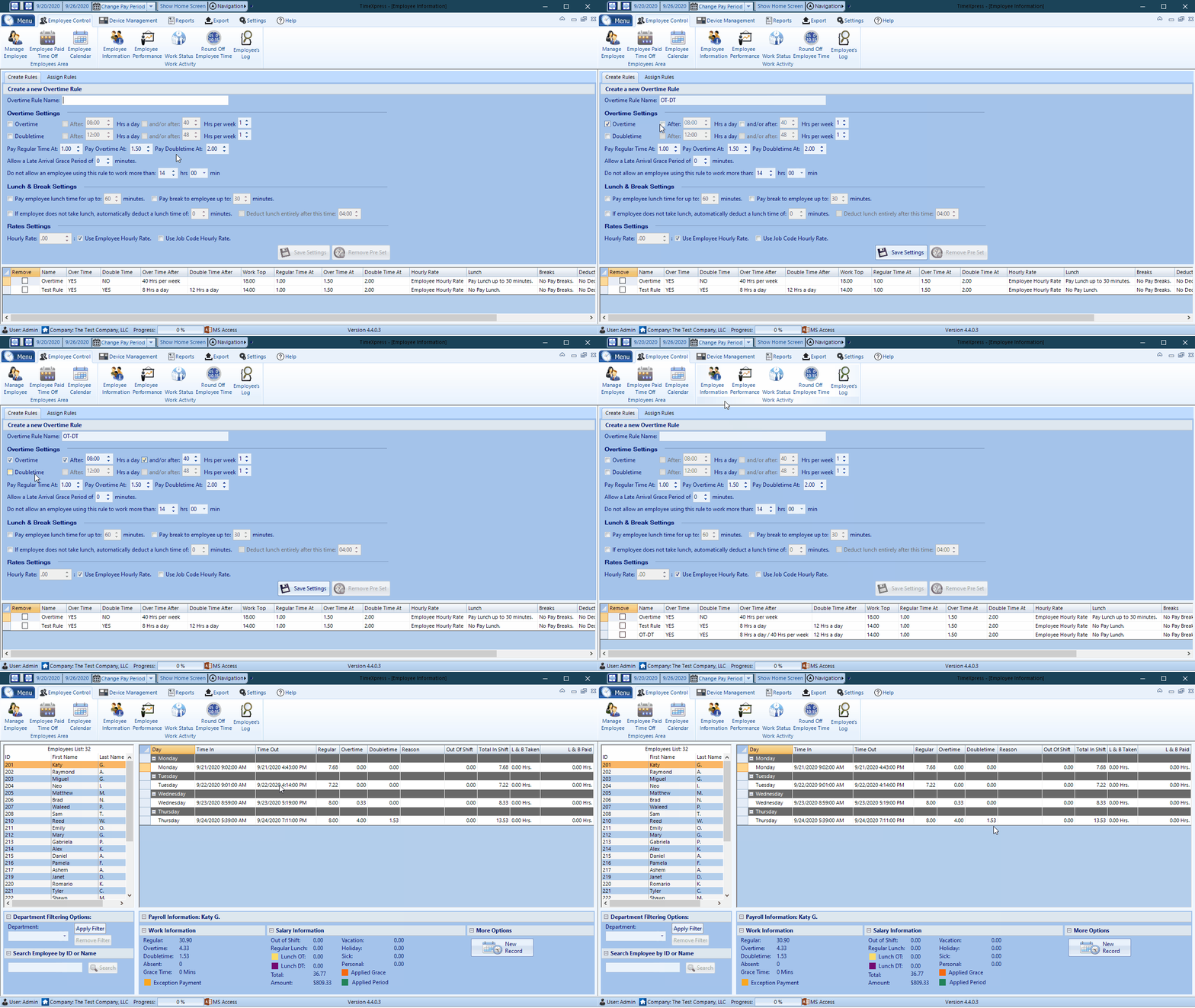
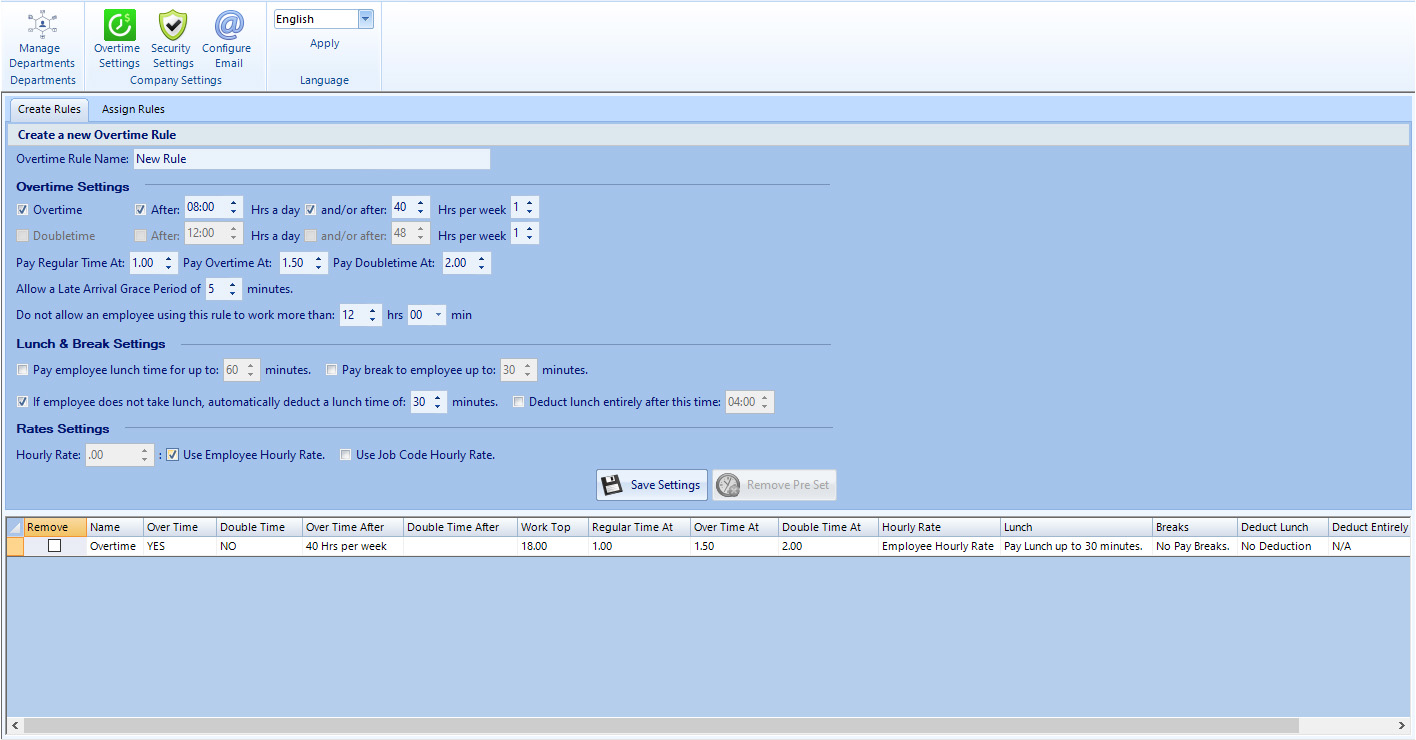
    This feature allows you to enter your own parameters to track overtime and doubletime by employee or department on a per day, per week or bi-weekly basis.

  • Work Status Dashboard

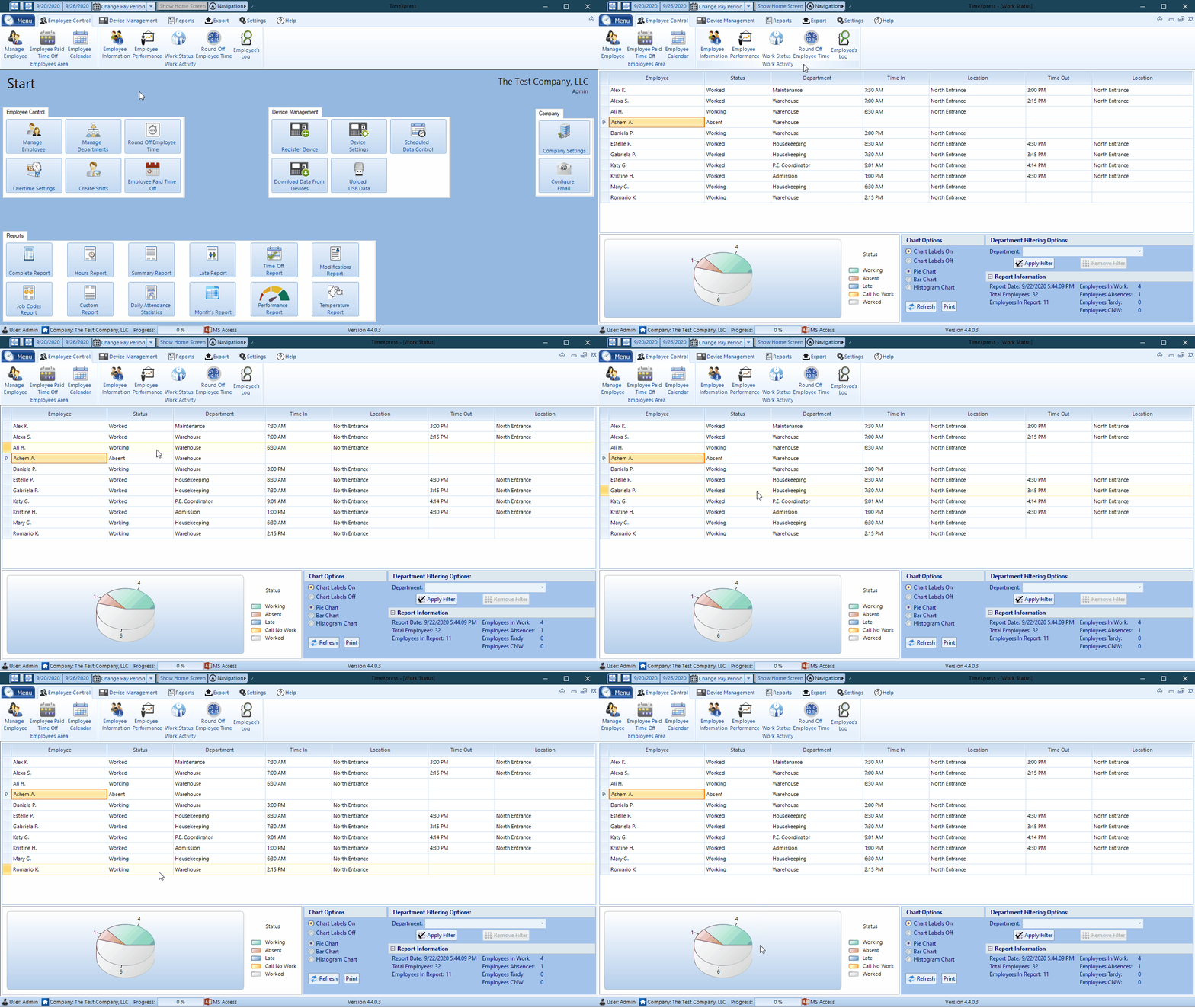
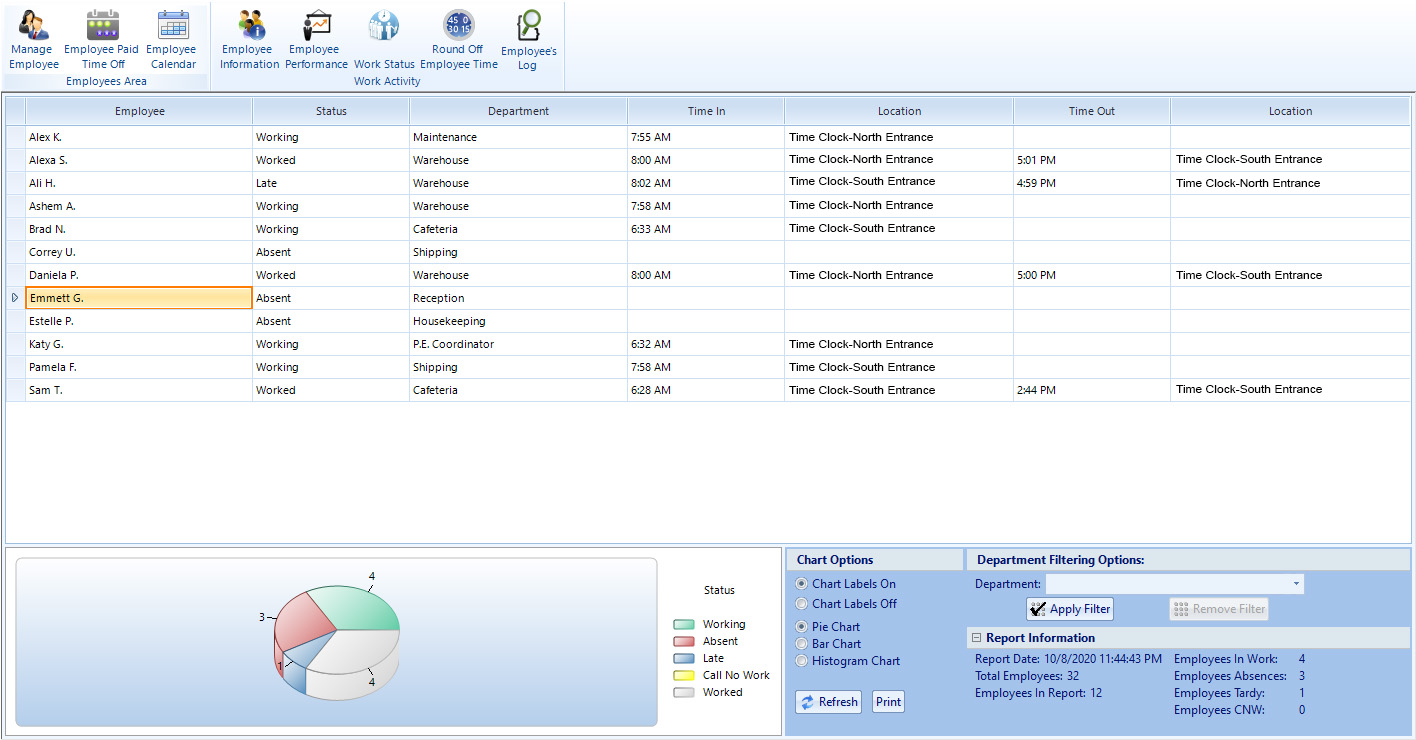
    One centralized screen that instantly displays who’s in, late, or absent, so that you can monitor your entire work force quickly and efficiently.

  • Lunch & Breaks Policies

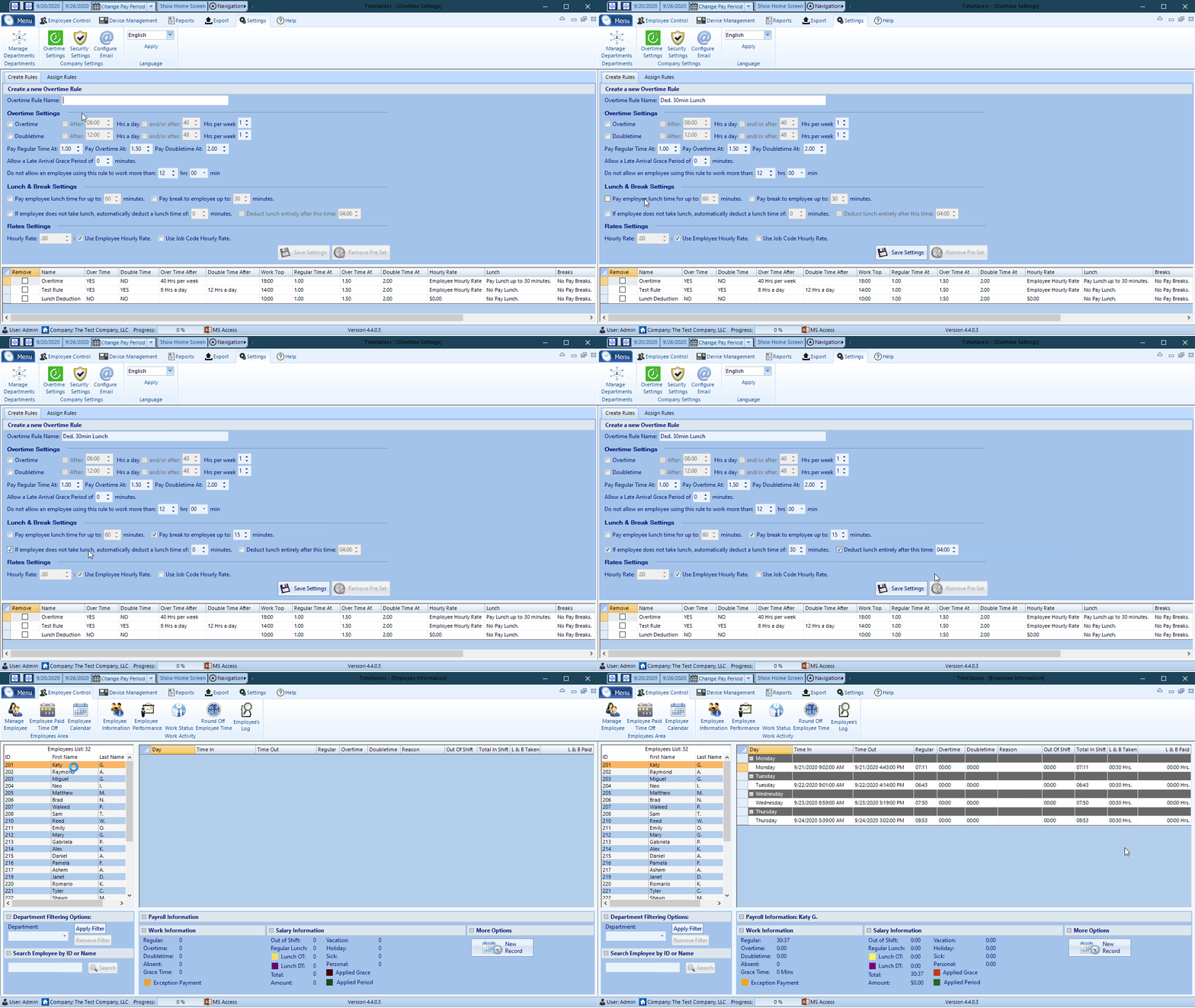
    This feature allows you enter your own parameters for break and lunch periods, whether they be paid or unpaid, so that all calculations are handled appropriately, according to your specific requirements.

Report Center

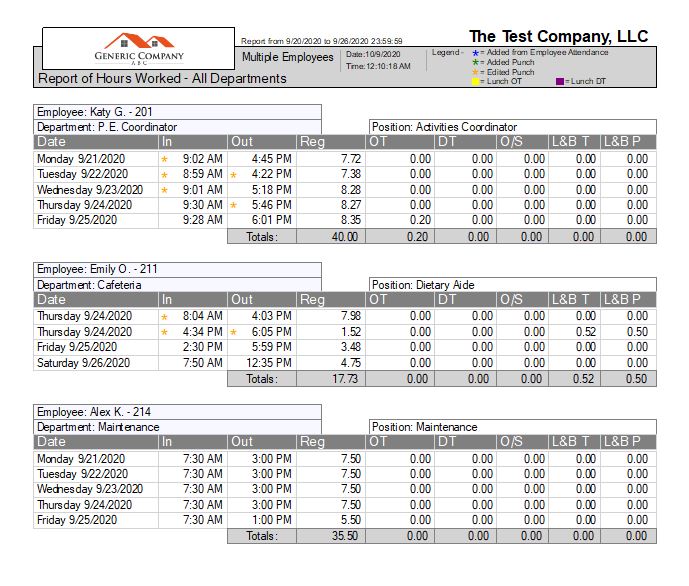
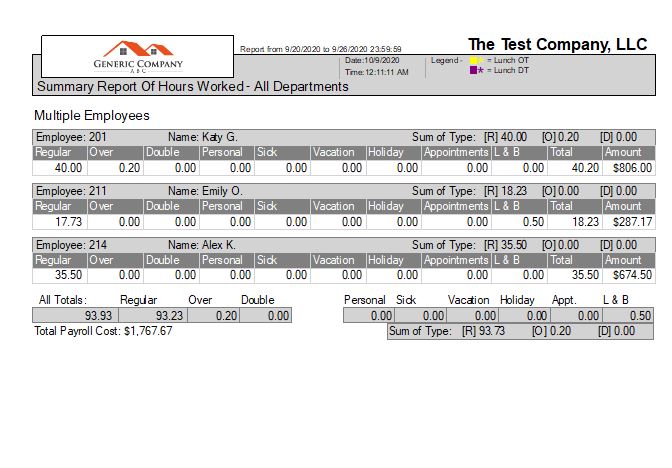
With over 10 reports available, our powerful Report Center will provide any information you need regarding your employees times: whether you're looking for a basic summary of the total hours worked, a complete report detailing every single punch, a report showing absences/tardies or a spreadsheet showing the total hours worked per job, we have it all.

  • HOURS REPORT
  • SUMMARY REPORT
  • JOB CODES REPORT
  • TIME OFF REPORT
  • DAILY ATTENDANCE STATISTICS
  • ABSENCE REPORT

Standard vs Professional Edition

Whether you choose Standard or Professional edition, you will have access to all the great features described under the Feature section above. Upgrading to the Professional edition of our Software will enable the additional features below to enhance your experience and facilitate your work.

Standard Edition
Professional Edition
  • Up to 50 Employees
    Number of Employees you can manage
    Unlimited
  • 1
    Number of Companies you can manage
    Unlimited
  • 1 PC at a time
    Number of Software Installation
    Up to 5 PCs at the same time
  • 1
    Number of Software Administrators
    Unlimited
  • No
    Password Protect access to the software
    Yes
  • No
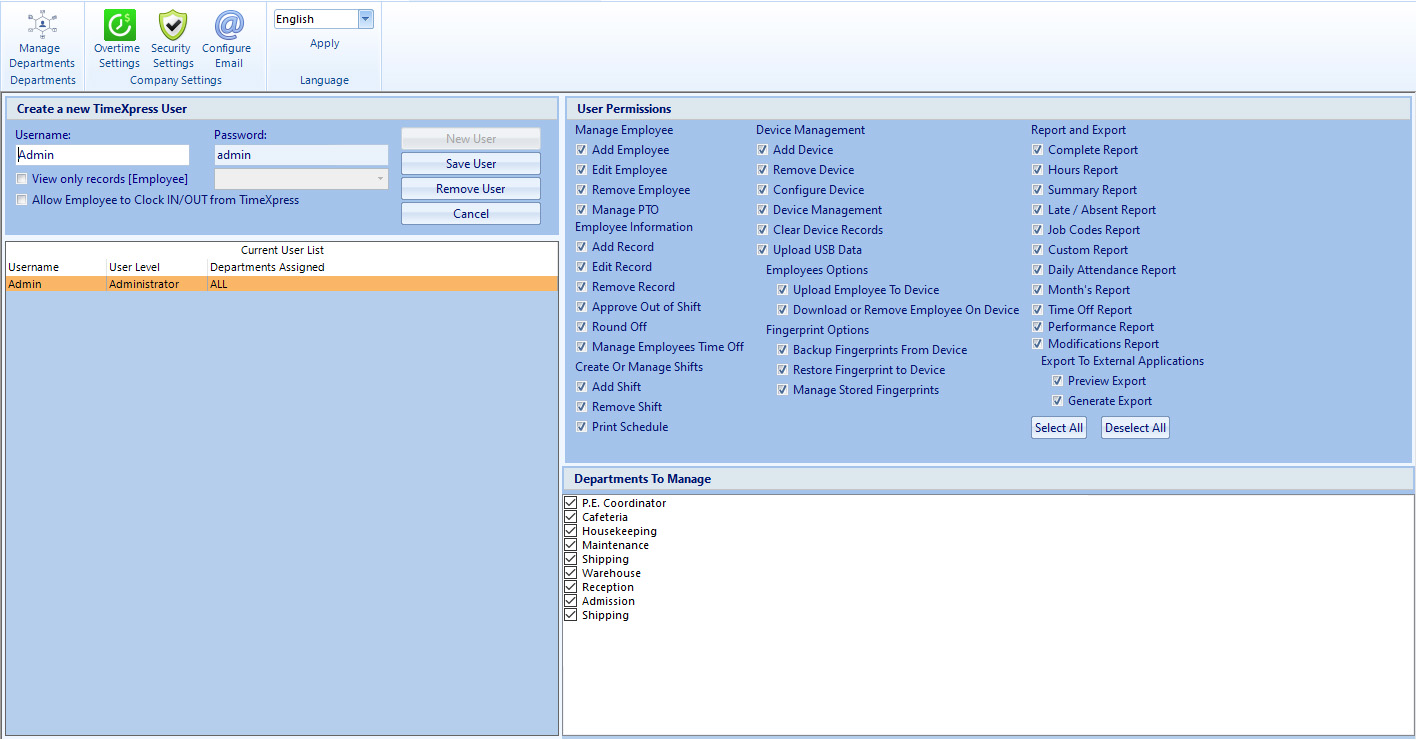
    Multiple level of permissions: User permissions can be defined to allow or restrict access to Employee Control, Device Management, Reports, Exports and/or specific Departments. Furthermore, there is a footprint, so that you can easily identify if a record was modified and by whom.
    Yes
  • Up to 5 time clocks
    Number of Time Clocks you can manage
    Unlimited
  • No
    Remote access time clock through LAN, WAN, VPN or Internet (For Internet access, a static public IP address and router with port forwarding is required.)
    Yes
  • Access
    Type of database
    Access or SQL
  • No
    Archiving your database: Archive punches from previous year to speed up your reports. You can access the archived data at any time (Access database only)
    Yes
  • No
    Database Maintenance: Repair and compact your database to keep your software operating smoothly (Access database only)
    Yes
  • No
    Automatic backup of the software database (Access database only)
    Yes
  • No
    Export your employee’s hours and payment information to QuickBooks, ADP, PAYCHEX, CSV, Heartland, Paylocity, GMS, CheckMark, TotalTrack, CPI, Replicon, Paycor.
    Yes
  • No
    Schedule an automatic download of punches from your time clock to the software
    Yes

Screenshots

(Click an image to view at full size)

Why Choose Us?

  • NO MONTHLY FEES!

    There are NO on-going monthly fees or yearly subscriptions with our time clocks or software. No licenses to renew, no mandatory enrollment, etc.

  • FEATURE PACKED SOFTWARE

    Take advantage of the many features our software has to offer. The best part is: Any software updates are always available to all clients for free!

  • OUTSTANDING SUPPORT

    You can rely on our expert product support team, trained to answer any questions you may have on the time clocks or software. (Extended technical support requires the purchase of an optional support plan).

  • COMPETITIVE PRICES

    We offer our clients the best product/software/support, always at the lowest prices possible.